
Choose a PC & laptop repair technician with more clarity.
A practical guide to comparing local repair shops, protecting your personal data, asking the right diagnostic questions, and reviewing the work before payment.
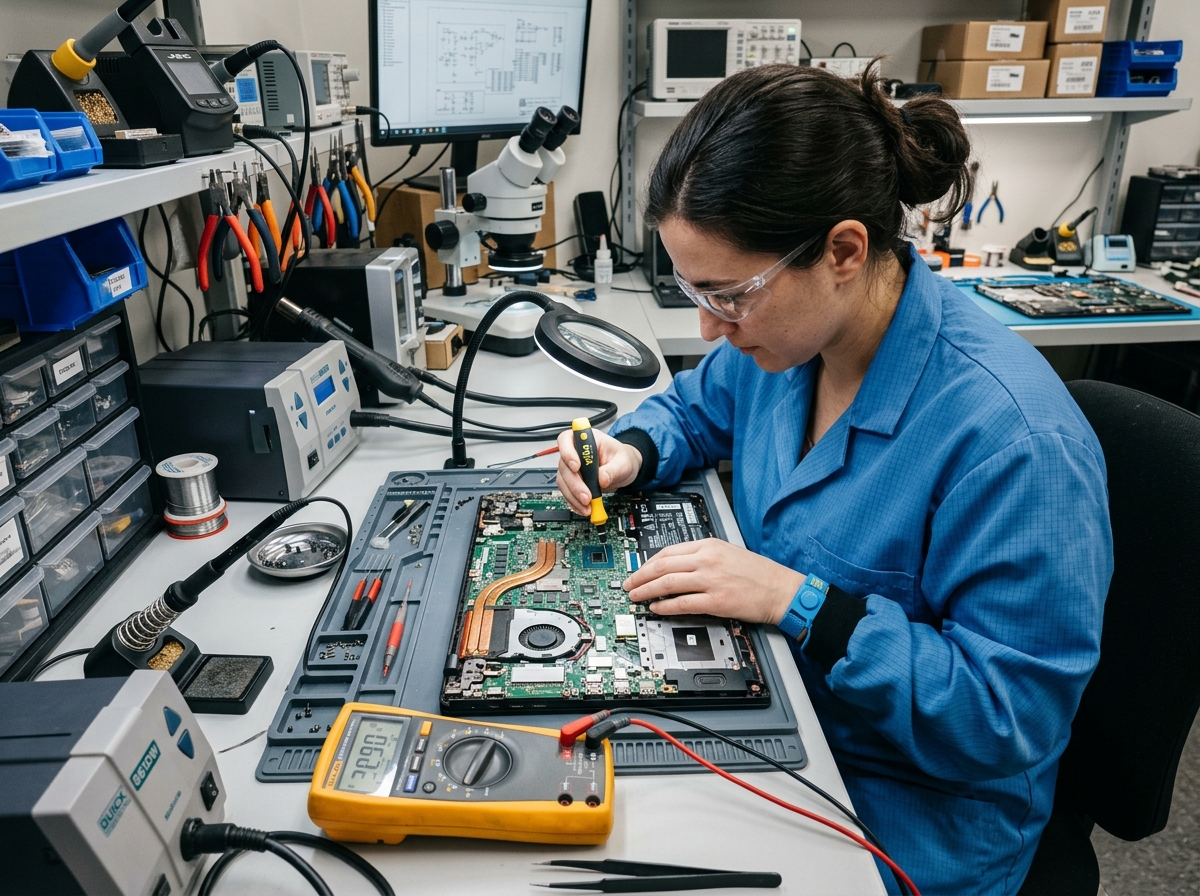
Use these four checkpoints before approving a computer repair. The aim is to understand the shop's capabilities, maintain control of your data, and confirm the scope and cost of the work.
Know what the repair shop can actually do.
Not every shop has the same tools or training. Some mainly replace assemblies, while others diagnose and repair individual circuit-board components. The right choice depends on the fault.
Parts Replacement Shops
Suitable for RAM upgrades, SSD installations, screen replacements, and operating-system reinstalls. For complex motherboard faults, these shops may recommend replacing the whole board.
Chip-Level Repair Labs
Technicians may use multimeters, DC power supplies, thermal imaging, and micro-soldering equipment to inspect individual faults, including charging ICs and damaged power components.
Protect your files before handing over the computer.
Your drive may contain private documents, photos, browser sessions, and sensitive account information. Agree on the technician's access requirements first.
Remove the SSD/HDD if feasible
For some screen, hinge, fan, or power repairs, you may be able to retain your storage drive. Ask the technician whether it is required for testing.
Use a temporary local account
If login access is necessary for software testing, consider a separate limited-access account and sign out of personal browser and cloud sessions.
Back up important data
If the machine is accessible, make a separate backup of essential documents before any repair, reinstallation, or diagnostic procedure that may affect storage.
Three questions worth asking before your visit.
Contact two or three local workshops and compare how clearly they explain their process.
“What is the diagnostic bench fee if the laptop cannot be repaired?”
Ask for a fixed inspection fee, and confirm in writing whether that fee is credited toward an approved repair.
“Do you perform motherboard micro-soldering in-house or outsource it?”
Clarify who will handle the motherboard, where the work will take place, the expected timeline, and who is accountable if further issues arise.
“Will the screen, battery, or repaired components have a written warranty?”
Ask for a written warranty that specifies its duration, covered parts, labor, and any exclusions before authorizing the work.
Inspect the repair before final payment.
In-shop acceptance checklist
Test the keyboard, touchpad, webcam, Wi-Fi connection, and audio output in front of the technician.
Check that the device charges and that the battery indicator responds normally while connected to power.
Request the replaced component where practical, and inspect any relevant replacement-part packaging.
Obtain an itemized receipt showing the diagnostic findings, parts, labor, and agreed written warranty.
Educational guidance only. Repair feasibility, fees, service timelines, and warranty terms vary by provider and fault.